




A VPN or proxy may show the correct replacement IP address while other parts of the connection continue exposing information about the original network. This is why a basic “What is my IP?” check is not enough to confirm that every traffic path is protected.
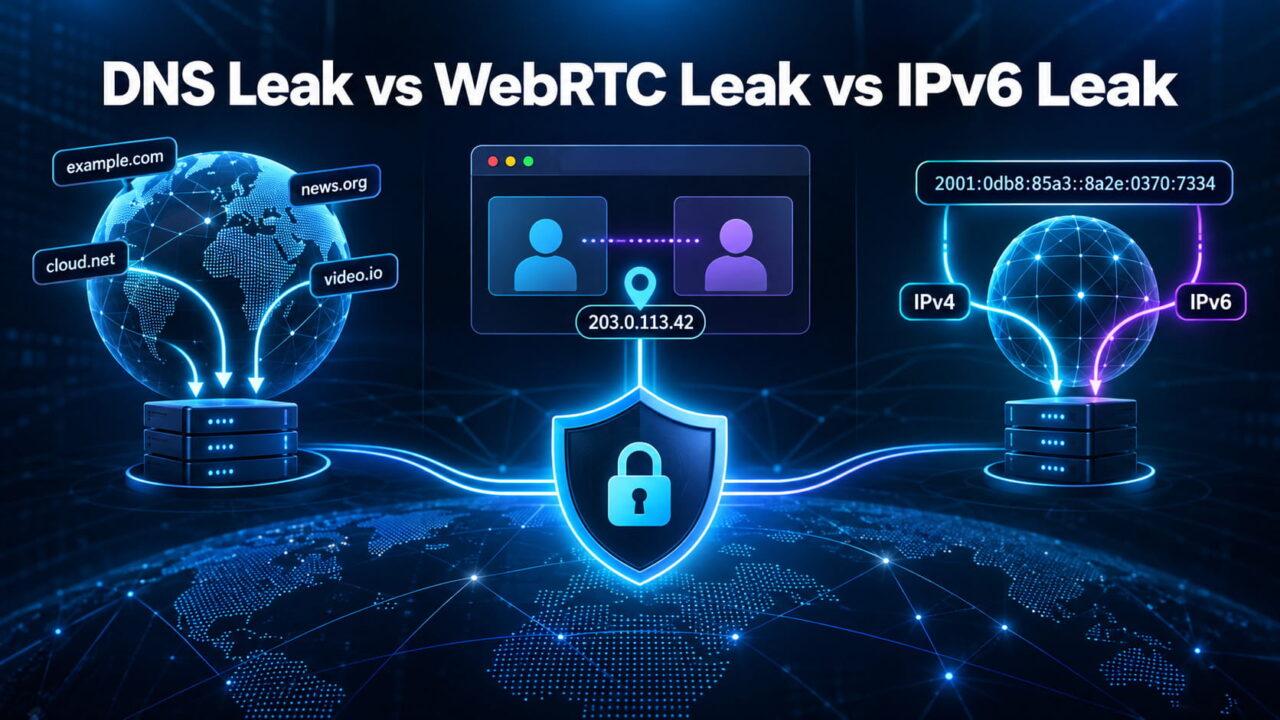
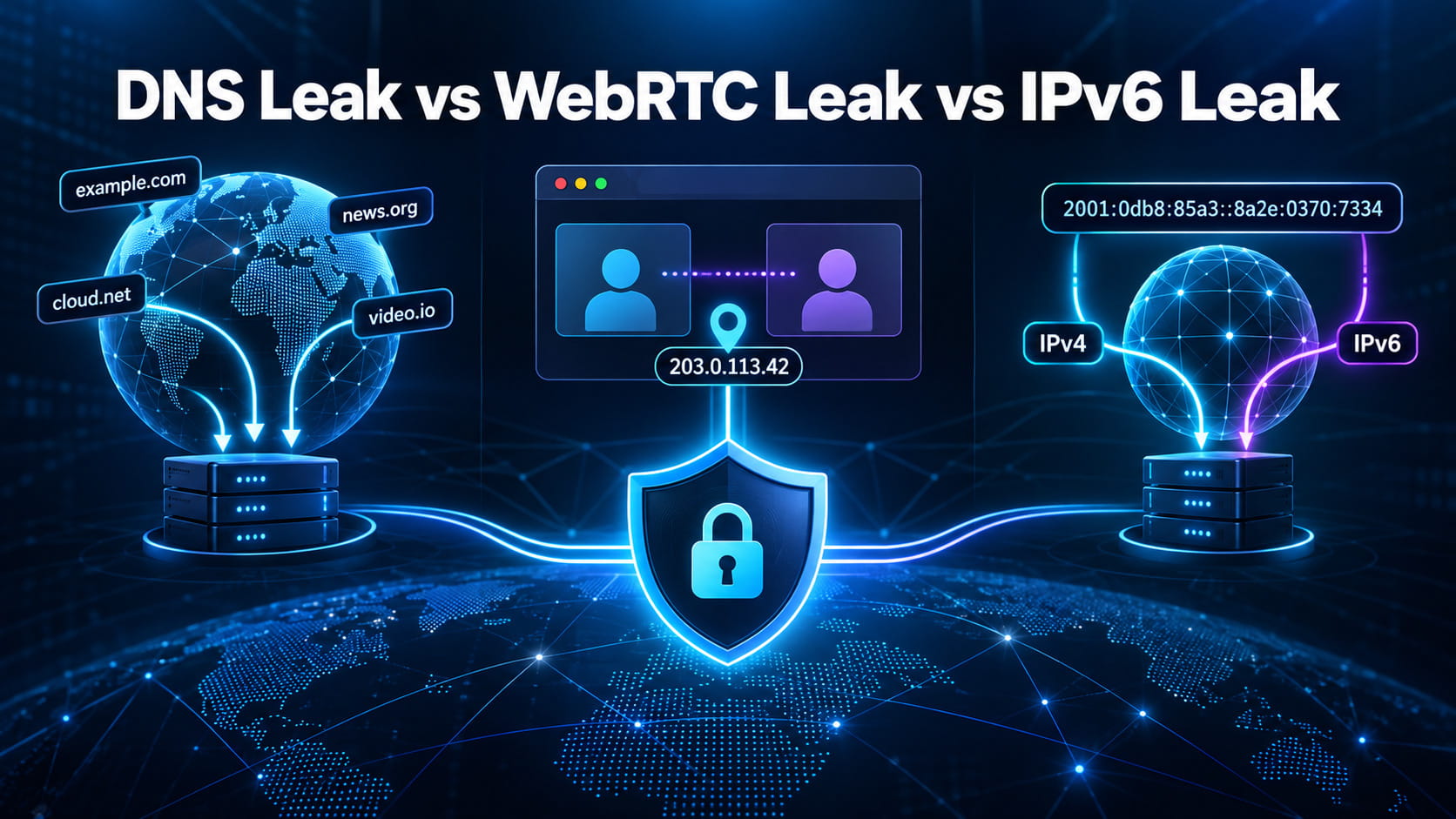
DNS, WebRTC and IPv6 leaks are often discussed together, but they are three different problems. A DNS leak exposes domain-name requests to an unintended resolver. A WebRTC leak can reveal an IP address through the browser’s real-time communication system. An IPv6 leak occurs when IPv6 traffic travels outside a tunnel that protects only IPv4.
Understanding the difference makes troubleshooting much easier. Each leak originates at a different layer, reveals different information and requires a different fix.
DNS Leak vs WebRTC Leak vs IPv6 Leak at a Glance
| Leak type | What may be exposed | Where it happens | Common cause |
|---|---|---|---|
| DNS leak | Domains the user requests and the network handling those requests | DNS resolution layer | Device continues using an ISP or local DNS resolver |
| WebRTC leak | Public, proxy, VPN or local-network IP information | Browser’s WebRTC and ICE process | WebRTC traffic takes a route outside the intended proxy |
| IPv6 leak | The device’s real public IPv6 address and IPv6 traffic | Network routing layer | VPN protects IPv4 but does not tunnel or block IPv6 |
The three issues can occur independently. A browser can pass a DNS test but fail a WebRTC test. A VPN can correctly route WebRTC while leaving IPv6 traffic exposed. It is also possible for more than one leak to appear in the same session.
What Is a DNS Leak?
Before a browser can open a domain such as example.com, it needs to find the numerical IP address of the server. The Domain Name System performs that translation.
When a VPN is working as intended, DNS requests should normally follow the protected connection and reach a resolver selected by the VPN provider or configured privacy service. A DNS leak occurs when those requests continue going to an unintended resolver, often one operated by the internet service provider.
A more detailed explanation of what is a DNS leak covers how DNS resolution works, why requests escape encrypted tunnels and how users can verify which resolver handles their traffic.
What a DNS Leak Reveals
DNS queries can show which domains a device attempts to reach. They do not normally expose the complete page URL, the contents of an encrypted connection or the information submitted through a website. Still, a history of requested domains can reveal interests, services used and patterns of online activity.
The resolver may also see the originating network address unless an encrypted or proxied DNS configuration hides it. This gives the resolver an opportunity to associate domain requests with a household, company or network connection.
A DNS test may display multiple servers. That does not automatically indicate a leak. Large providers use distributed infrastructure, and the displayed server location may differ from the user’s apparent location. The important question is whether the resolver belongs to the intended VPN, organization or DNS provider.
Common Causes of DNS Leaks
DNS leaks frequently result from operating-system settings that take priority over the VPN configuration. A router may force its own resolver, the browser may use a separately configured DNS-over-HTTPS provider, or the device may fall back to the ISP after the preferred resolver becomes unavailable.
Split tunneling can create similar behavior. If only selected applications use the VPN, DNS requests from other software may continue through the normal network.
What Is a WebRTC Leak?
WebRTC is a browser technology used for video calls, voice communication, screen sharing and peer-to-peer data transfer. Applications such as browser-based meeting tools depend on it to establish fast connections between participants.
To find a working connection path, WebRTC uses Interactive Connectivity Establishment, commonly called ICE. The browser gathers potential routes known as ICE candidates. It may contact a STUN server to determine how the device appears on the public internet or use a TURN server to relay traffic when a direct connection is unavailable.
A WebRTC leak occurs when this process exposes an address that should have remained behind a VPN or proxy.
What a WebRTC Leak Reveals
A test may encounter several types of ICE candidates:
- A
hostcandidate represents an interface connected to the device. - A
srflx, or server-reflexive candidate, contains an address observed through STUN. - A
relaycandidate represents a connection routed through a TURN server.
Modern browsers often replace private addresses such as 192.168.1.15 with temporary mDNS names ending in .local. This reduces the exposure of local-network information, but it does not necessarily solve every public-IP routing problem.
The most serious result is an original public IP appearing alongside the VPN or proxy address. This suggests that WebRTC has used a different route from ordinary browser traffic.
Why Proxies Are More Vulnerable
Many HTTP and HTTPS proxies handle conventional browser requests but do not carry direct UDP traffic. WebRTC prefers UDP when it is available, so the browser may attempt to reach a STUN server outside the proxy.
A full-device VPN generally has a better chance of capturing this traffic because it operates at the network level. However, the outcome still depends on the VPN client, operating system, split-tunneling rules and browser configuration.
Blocking camera and microphone permissions does not necessarily disable WebRTC. The technology also supports data channels that can function without either device.
What Is an IPv6 Leak?
IPv4 and IPv6 are two versions of the Internet Protocol. IPv4 uses familiar addresses such as 203.0.113.42, while IPv6 provides a much larger address space with values such as 2001:db8::8a2e:370:7334.
Many internet connections are dual-stack, meaning the device can use both protocols. A privacy application may successfully route IPv4 traffic through its tunnel while the operating system continues sending IPv6 traffic directly to the internet.
That unprotected route is an IPv6 leak.
What an IPv6 Leak Reveals
An IPv6 test may expose the public IPv6 address assigned by the internet provider. Because the traffic bypasses the intended tunnel, websites can observe a network identity and approximate location that differ from the visible VPN IPv4 address.
For example, the IPv4 address might belong to a VPN server in New York while the IPv6 address belongs to a residential ISP in London. Even without identifying a specific person, the contradiction shows that the connection is not fully contained.
An IPv6 leak is not a browser-only problem. Other applications on the device may also use the uncovered IPv6 route.
Why IPv6 Leaks Happen
The most common reason is incomplete tunnel support. The VPN may support only IPv4, or its IPv6 protection may not be active on a particular operating system.
Routing can also fail after a network change, reconnection or software update. Some services address the problem by tunneling both protocols, while others block IPv6 entirely while the VPN is connected.
How to Identify Which Leak You Have
Start by disconnecting the VPN or proxy and recording the normal public IPv4 address, public IPv6 address and DNS resolvers. This establishes a baseline.
Connect the privacy service, reopen the browser and run separate IP, DNS, WebRTC and IPv6 checks. Do not rely on one green badge from a combined test. Look at the actual addresses and resolver names.
A DNS problem is likely when the visible IP belongs to the VPN but the resolver belongs to the original ISP. A WebRTC problem is likely when ICE candidates contain the original public IP. An IPv6 problem is likely when the VPN address appears for IPv4 while the original provider’s IPv6 address remains visible.
| Test result | Likely interpretation |
|---|---|
| Correct VPN IP, original ISP DNS | Possible DNS leak |
| Correct browser IP, original IP in WebRTC | Possible WebRTC leak |
| VPN IPv4, original IPv6 | IPv6 leak |
VPN IP and expected DNS, only .local WebRTC candidate |
Local address is probably being masked through mDNS |
| Several DNS servers owned by the selected provider | Not necessarily a leak |
Repeat the test after changing networks, browsers or VPN servers. A configuration that works on home Wi-Fi may behave differently on a hotel network, office connection or mobile hotspot.
How to Prevent a DNS Leak
Use a VPN that routes DNS requests through its tunnel and provides dedicated DNS leak protection. Check the device and router for manually configured ISP resolvers that may override the VPN.
Browser-based secure DNS also deserves attention. DNS over HTTPS encrypts queries between the browser and a resolver, but encryption alone does not guarantee that the resolver is the one expected by the VPN. The browser and VPN settings should be coordinated rather than configured independently.
A kill switch can prevent fallback traffic if the encrypted tunnel disconnects unexpectedly.
How to Prevent a WebRTC Leak
For a full-device VPN, confirm that all browser traffic and UDP connections use the tunnel. Disable split tunneling for the browser unless there is a clear reason to keep it.
Proxy users may need a browser setting or trusted privacy extension that prevents non-proxied UDP. Chromium-based browsers support WebRTC IP-handling policies, while Firefox provides more direct controls through its advanced configuration.
Completely disabling WebRTC is effective but can break video calls and other browser applications. Restricting unproxied connections is often a better compromise.
How to Prevent an IPv6 Leak
The best solution is a VPN that supports and tunnels IPv6 alongside IPv4. If full IPv6 support is unavailable, the application should block IPv6 while the tunnel is active.
Disabling IPv6 at the operating-system level can work as a temporary troubleshooting measure, but it is not the ideal permanent answer. IPv6 is now a normal part of internet infrastructure, and an application that claims full-device protection should manage it correctly.
Test again after every configuration change to confirm that the original IPv6 route is no longer visible.
Can a VPN Have All Three Leaks at Once?
Yes. A poorly configured connection could send DNS requests to the ISP, expose an address through WebRTC and leave IPv6 outside the tunnel simultaneously.
The reverse is also possible: a VPN may pass all three tests while the browser still exposes other identifying information. Canvas rendering, WebGL data, fonts, user-agent information, time zone and language remain available unless separate privacy protections control them.
Leak protection and browser fingerprint protection solve related but different problems.
Final Verdict
A DNS leak exposes where domain-name requests are resolved. A WebRTC leak comes from browser communication paths and ICE candidates. An IPv6 leak occurs when traffic using the newer protocol bypasses an IPv4-only tunnel.
The simplest way to remember the difference is:
- DNS leak: the lookup goes through the wrong resolver.
- WebRTC leak: the browser discovers or exposes an unintended IP route.
- IPv6 leak: one internet protocol bypasses the protected connection.
A complete privacy check must test all three separately. Seeing the expected IPv4 address is only the beginning; the DNS resolver, WebRTC candidates and IPv6 route must tell the same story.